Graphical UI
Terminal Agent ships with a desktop Graphical UI (agent-gui) in addition to
the agent CLI. It is a single, always-ready window that you summon with a global
shortcut, type a prompt into, and dismiss again, without leaving whatever you were
doing. It talks to the exact same providers, models, tools, and session logs as
the CLI, so anything you configure for agent also applies here.
The window has two working modes that mirror the CLI commands: Ask for quick answers and Task for supervised, tool-using workflows. A left sidebar switches between those modes plus the History, Routine, Task Memory, and Settings screens.
Screens and features
For detailed information about each screen and feature, see:
| Screen / feature | Description |
|---|---|
| Ask Mode | Quick questions with a streamed, rendered markdown answer |
| Task Mode | Supervised agentic workflow with live tool output |
| History | Browse recent ask, chat, and task runs |
| Routines | Manage scheduled, unattended agent runs |
| Task Memory | Browse and search what past tasks learned |
| Settings | Switch providers and models without editing a config file |
| Voice Input | Dictate a prompt instead of typing |
| Launching & Shortcuts | Install the global shortcut and use the keyboard controls |
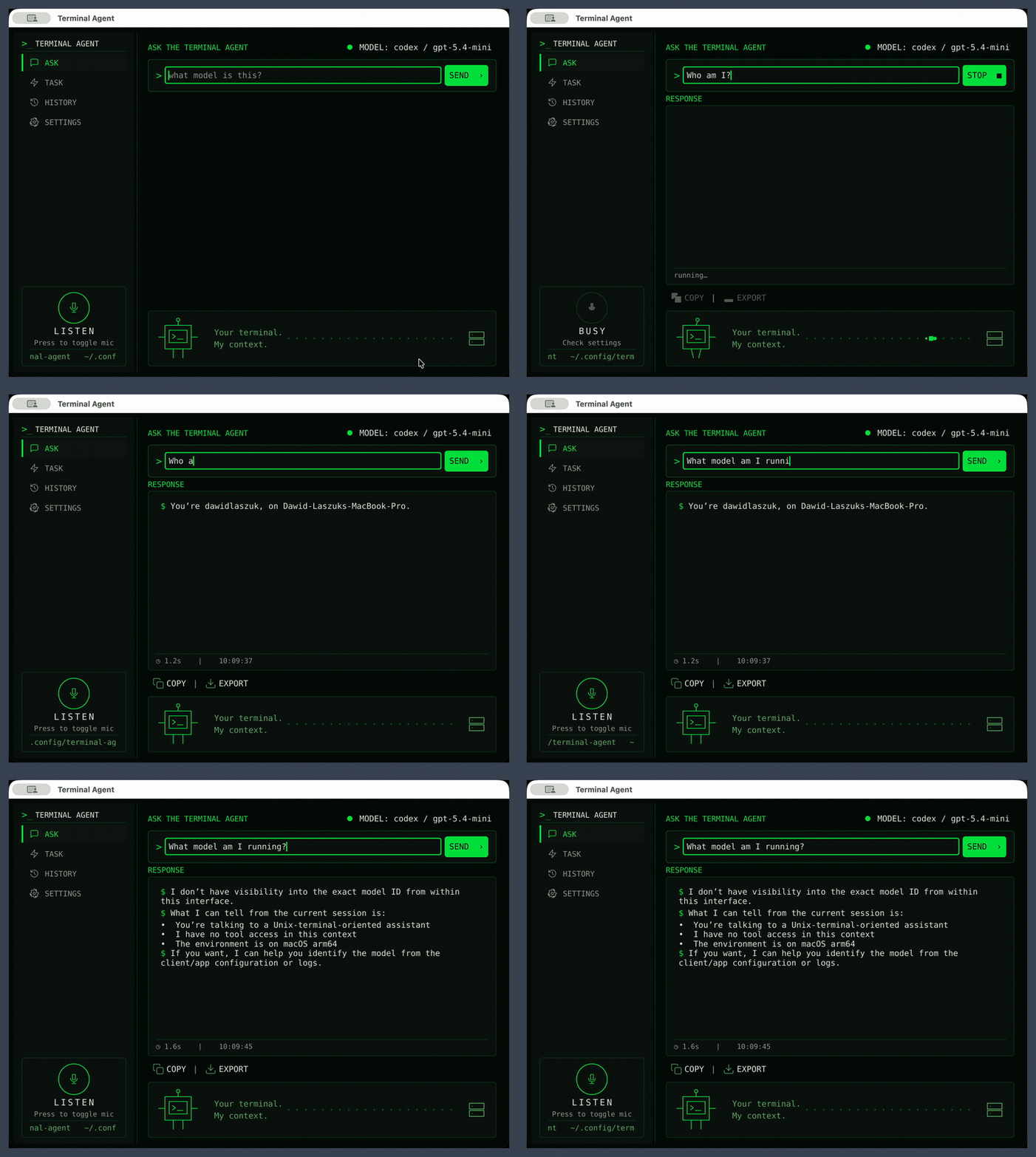
Appearance
The window uses a dark, terminal-native theme with monospace type and green accents. The lower-left shows the current working directory, and an animated mascot panel signals when the agent is thinking or busy.