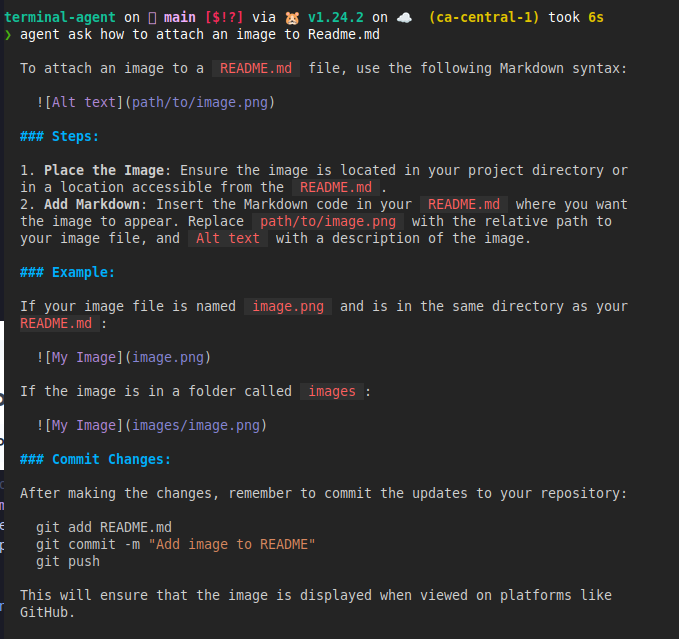
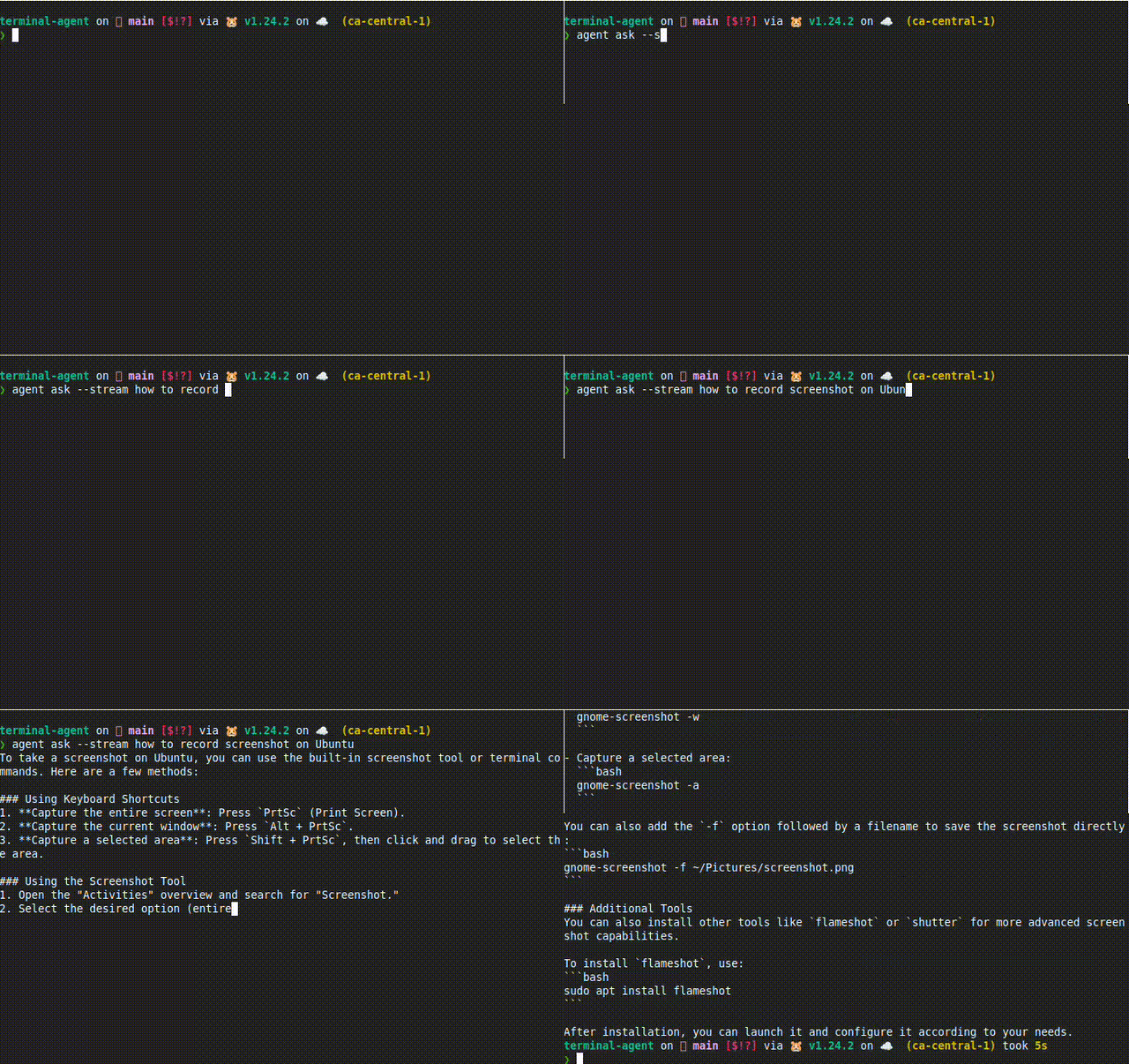
Terminal Agent Documentation
Welcome to Terminal Agent: an LLM-powered assistant for the terminal, with a desktop popup when you want a faster prompt window. It can answer questions, run supervised workflows, draft scripts, call tools, and switch between hosted model APIs and local runtimes such as Ollama and direct llama.cpp GGUF inference.
See It Work
Terminal Tasks
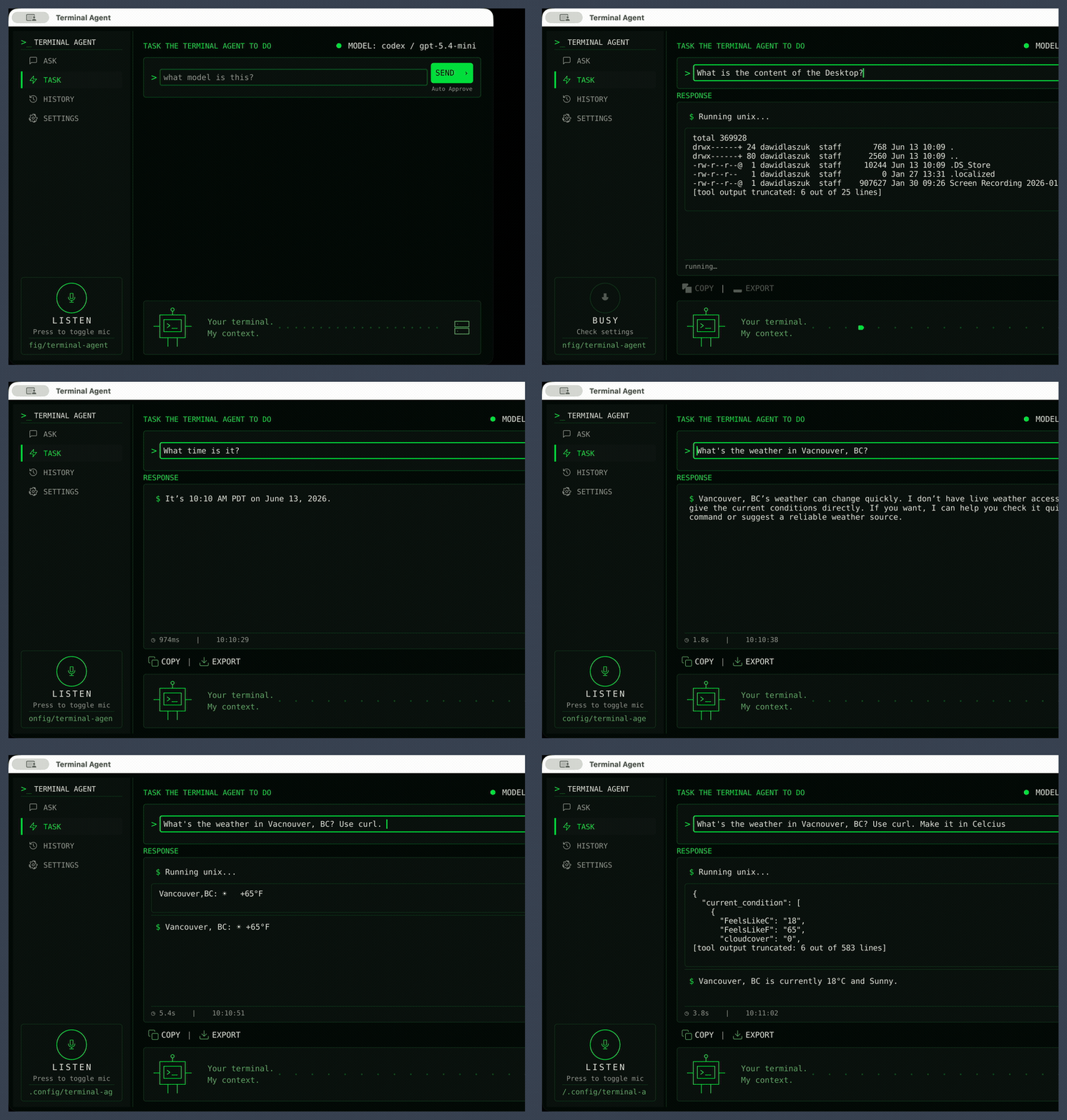
Describe what you want in plain language and let Terminal Agent plan the shell steps, ask for approval when needed, and return the result.
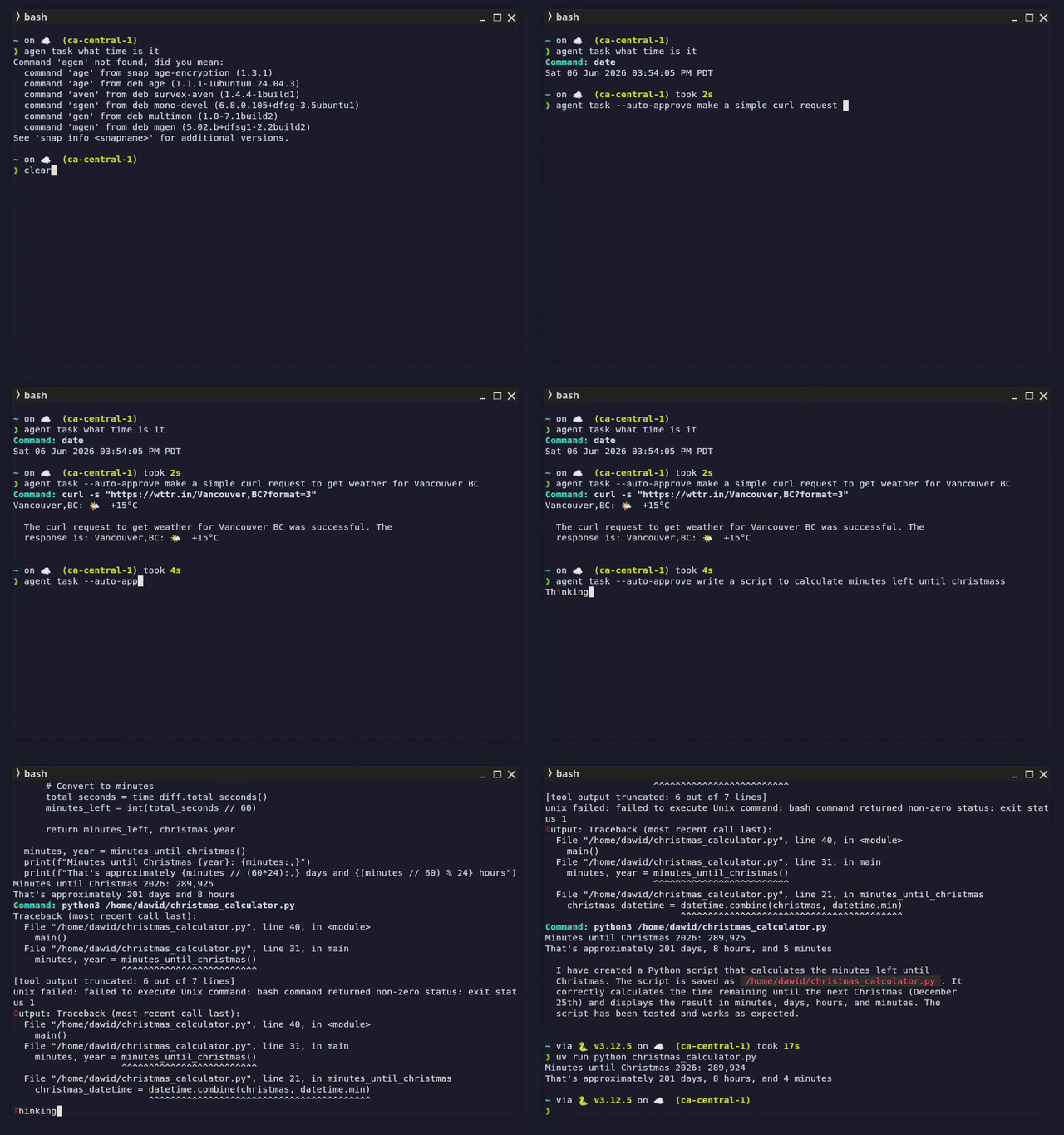
The demo includes:
agent task what time is itagent task --auto-approve make a simple curl request to get weather for Vancouver BCagent task --auto-approve write a script to calculate minutes left until christmas
Graphical UI
The Graphical UI keeps quick prompts one shortcut away, with the same Ask and Task modes as the CLI plus provider/model switching from the settings screen. See the Graphical UI guide for the full feature tour.
Ask mode streams a markdown answer back into the response panel:
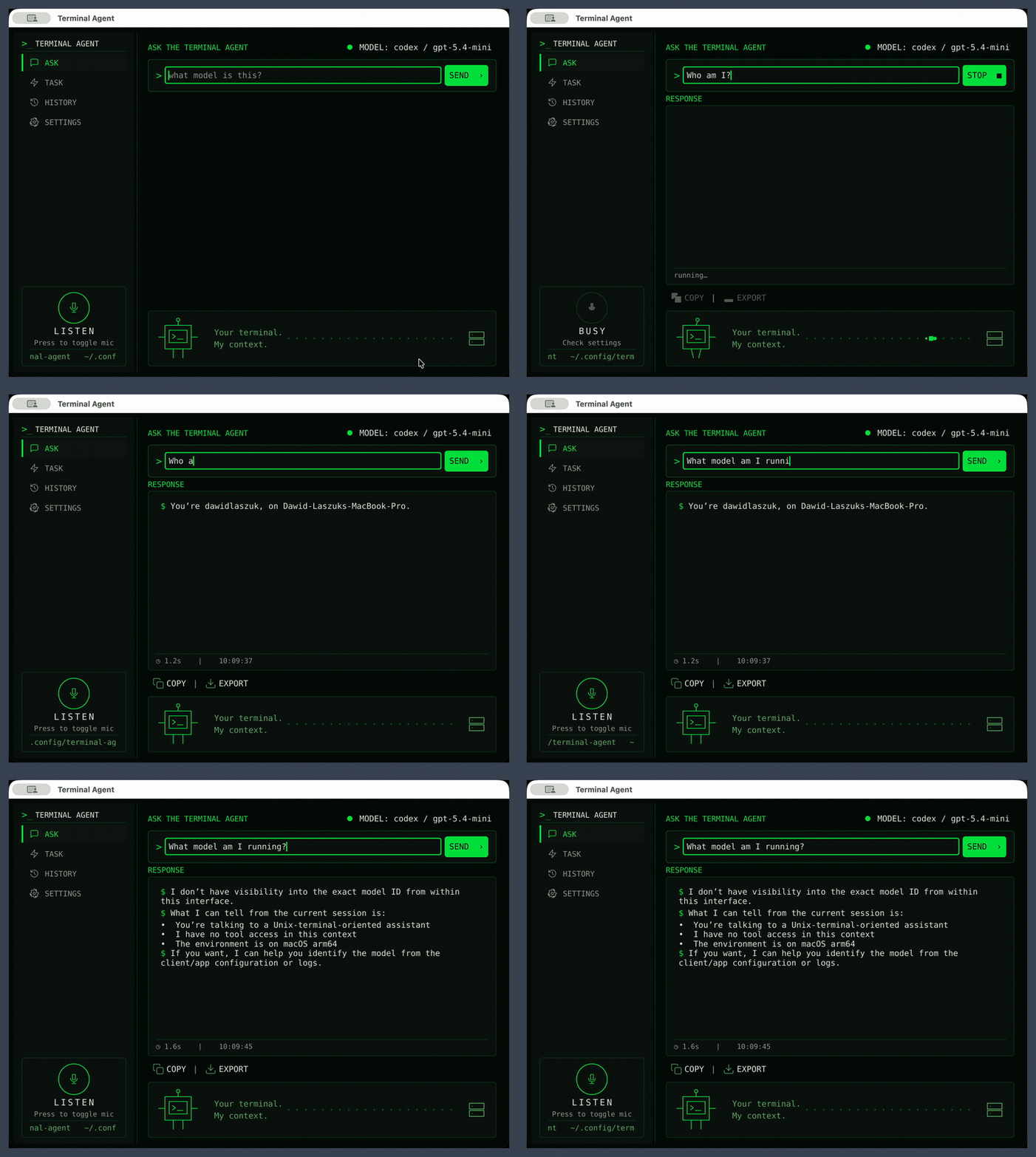
Task mode plans steps, runs tools, and shows the transcript and final answer:
Contents
- Getting Started - Installation and basic setup
- Commands - Detailed usage of all commands
- Ask Command - Ask questions directly from terminal
- Task Command - Execute tasks with AI assistance
- Tool Command - Use and manage tools
- Config Command - Configure agent settings
- History Command - Query interaction history
- Routine Command - Define and run scheduled, unattended routines
- Daemon Command - Run and manage the routine scheduler
- Graphical UI - Desktop window: Ask/Task/Routine modes, voice, settings, history
- Ask Mode - Quick questions with a streamed markdown answer
- Task Mode - Supervised agentic workflow with live tool output
- History - Browse recent ask, chat, and task runs
- Routines - Manage scheduled, unattended agent runs
- Settings - Switch providers and models from the UI
- Voice Input - Dictate a prompt instead of typing
- Launching & Shortcuts - Global shortcut and keyboard controls
- Providers - Supported LLM providers
- Configuration - Advanced configuration options
- Approval Logic - How task tool calls are approved, prompted, or denied
- Integration - Desktop integration guides
- Tools - Available tools and extending functionality
- Examples - Usage examples and patterns
- Developers - Guide for contributors and developers
More Examples